HARDWARE · ROBOTICS · PHYSICAL AI

MAKE
ANYTHING

Go from idea to a working physical proof of concept.
Starting level: genuinely zero.

Explore the course

The outcome

Broad enough to
cover the essentials.

Practical enough to build anything.

Only learn the necessary engineering principles behind hardware, robotics and physical AI so you can skip theory fluff and go straight to building.

WHAT YOU LEARN

Idea → working prototype.

01

Physical making + electronics

Build safely, measure accurately, make circuits work.

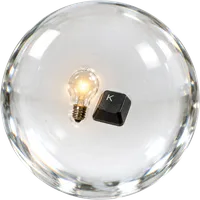
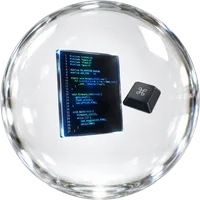
Recognizable workshop tools and electronics inside a glass sphere

Concepts + topics

  • Functional requirements
  • Materials + joining
  • Low-voltage circuits
  • Measurement + soldering

Project outcome

Build and debug a working physical input device.

02

Code + machines + robotics

Give a machine behaviour, sensing and movement.
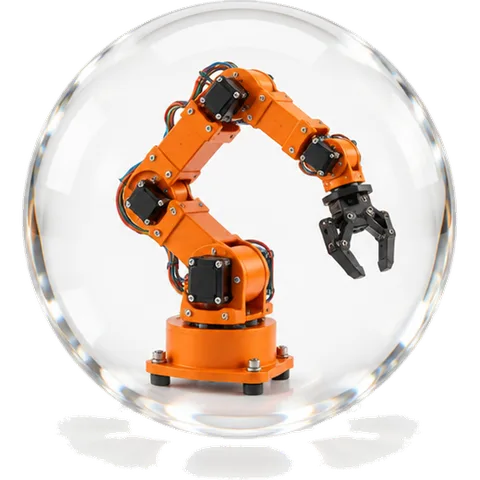
A recognizable orange robotic arm inside a glass sphere

Concepts + topics

  • Microcontroller logic
  • Sensors + actuators
  • Load, torque + mechanisms
  • Robot integration

Project outcome

Program and assemble your first responsive robot.

03

Digital fabrication + intelligent objects

Design parts, connect devices and add practical AI.
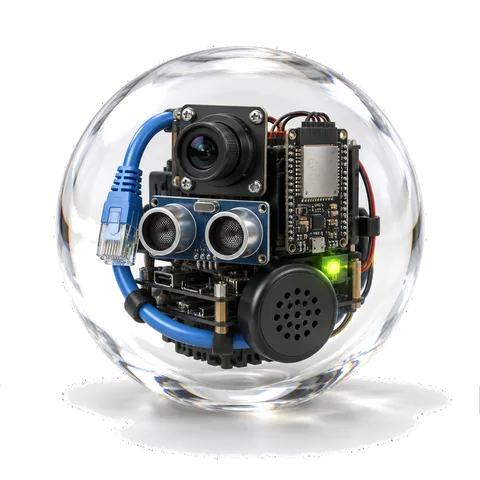
A recognizable camera, processor board and microphone inside a glass sphere

Concepts + topics

  • Simple CAD + 3D printing
  • ESP32 networking
  • Raspberry Pi + Linux
  • Voice AI + computer vision

Project outcome

Create a connected object that can sense, respond and communicate.

04

Advanced making in Shenzhen

Source real parts and integrate a complete proof of concept.
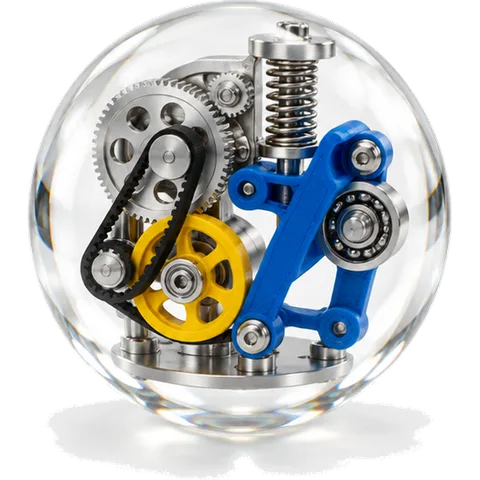
A recognizable mechanical linkage inside a glass sphere

Concepts + topics

  • Huaqiangbei sourcing
  • PCB workflow + manufacturing
  • Advanced mechanisms
  • Guided system integration

Project outcome

Finish, test and document a working physical proof of concept.

DEPTH BY TOPIC

Deep on thinking. Practical on tools.

We don't have enough time to teach everything in depth, so we prioritise the skills that compound: how to think, design, test and debug — and just enough of each tool to build.

01

Rapid prototyping

Prove simple physical concepts quickly and iterate

40%
02

Tools, materials + joining

Select sensible common materials and fasteners

25%
03

Electronics fundamentals

Wire and diagnose low-voltage prototypes

30%
04

Soldering

Make reliable basic through-hole and wire connections

40%
05

Python

Read and modify small programs and use libraries

20%
06

Embedded + microcontrollers

Build sensor → logic → actuator systems

25%
07

Motors + mechanisms

Choose common mechanisms and reason about load

20%
08

Robotics integration

Integrate simple autonomous systems

15%
09

CAD

Create or modify a simple dimensioned part

10%
10

3D printing

Slice, print, measure and iterate

30%
11

ESP32 + networking

Build a simple connected physical device

20%
12

Pi + Linux

Operate and modify a prepared physical-computing stack

15%
13

Computer vision

Use an existing vision library or model inside a prototype

10%
14

PCB + EDA

Complete a scaffolded PCB workflow

10%
15

Manufacturing

Recognise major processes and when to use them

10%
16

System architecture

Decompose an idea into plausible prototype subsystems

20%

How you learn

Understand by doing.

01

Accessible by design

No experience required. We start from zero.

02

Project-based

Learn each principle by applying it to a real build — not by reading theory in isolation.

03

AI-guided troubleshooting

Learn how to ask, decipher good AI advice from bad and what to troubleshoot when multiple things could be wrong.
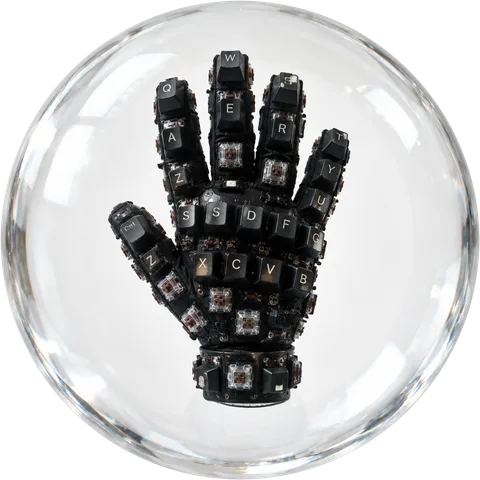
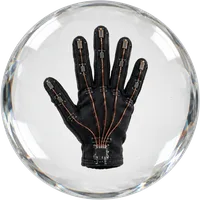
A wearable keyboard glove prototype inside glass

FROM IDEA TO SYSTEM

Instead of asking, “How do I build a keyboard glove?” you learn to break it down into buildable systems:

  1. 1.

    What should happen?

    When I move or press a finger, the computer should register a specific key.
  2. 2.

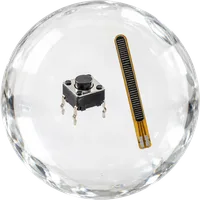
    How will the glove detect that?

    Use a switch, pressure sensor or bend sensor.
  3. 3.

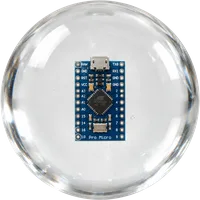
    What reads the sensor?

    A microcontroller.

  4. 4.

    How does it decide what key to send?

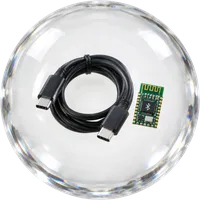
    Firmware maps each sensor or input to a keyboard command.
  5. 5.

    How does the command reach the computer?

    USB or Bluetooth.

  6. 6.

    How is the whole thing powered?

    USB power or a small battery.

  7. 7.

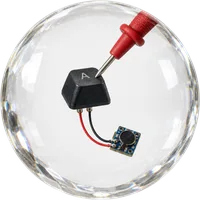
    How does it physically become a glove?

    Mount the sensors, wiring and electronics so the hand can still move comfortably.
  8. 8.

    What do you test first?

    One finger. One sensor. One key.

Then expand it only after that works.

Idea → behaviour → sensing → processing → communication → power → physical build → test → integrate

Who it’s for

For people ready to enter the new era of hardware.

Designed for people who want to learn how to make anything without spending years learning theory or in a classroom.

Software professionals seeking hardware fluency★★★★★
Founders + product people prototyping physical ideas★★★★★
Designers + creative technologists★★★★★
Graduates seeking stronger hands-on portfolios★★★★★
Educators + makerspace professionals★★★★★
Hobbyists + people who want to expand their skillset★★★★★
Non technical professionals pivoting or learning hardware skills★★★★★
Young people wanting to enter hardware without a degree★★★★★
Not an engineering degree, but a crash course in building.Leave able to explain, document and prototype a physical product concept — with proof of what you built.

Course partners

Choose how you make

Start here.

Make Anything IRL

4 weeksShenzhen12 spots$4,950Dates TBA
  • Learn in an exclusive space
  • Guided building across every project
  • Local tours for sourcing and manufacturing literacy
  • Maker kit included to take home
  • Portfolio of 6 projects
  • Flights and accommodation not included
Apply now

Make Anything Online

4 weeksAnywhere20 SPOTSFree until November
  • One module available at a time
  • Next module unlocks after the previous one is complete
  • Self-paced, interactive course platform
  • Not just a playlist of videos and textbook links
  • DIY and simulation alternatives to buying equipment
Apply now

Make Anything Sydney

10 Oct—20 NovSydneyWorkshops + online
  • A mix of one-off in-person workshops and the online course
  • Drop into individual workshops or follow the full run
  • Guided, hands-on building at every session
  • Keep building between sessions on the online course platform
Apply now